Creating a Billing Contract
Last updated: April 22, 2026
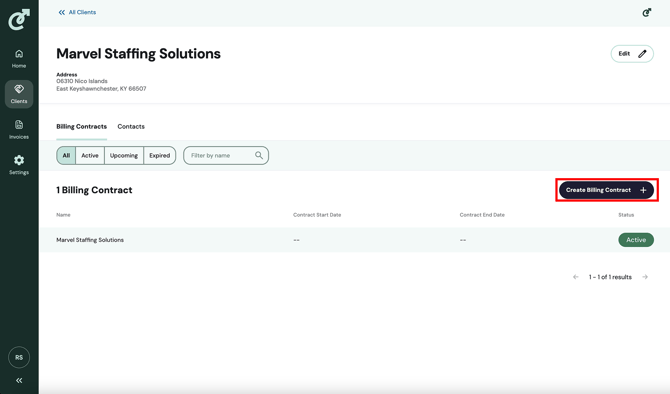
To create a billing contract, navigate to the client details page by going to the list of clients and clicking on a client in the list. By default, you will land on the “Billing Contracts” tab, and click on the “Create Billing Contract” button.
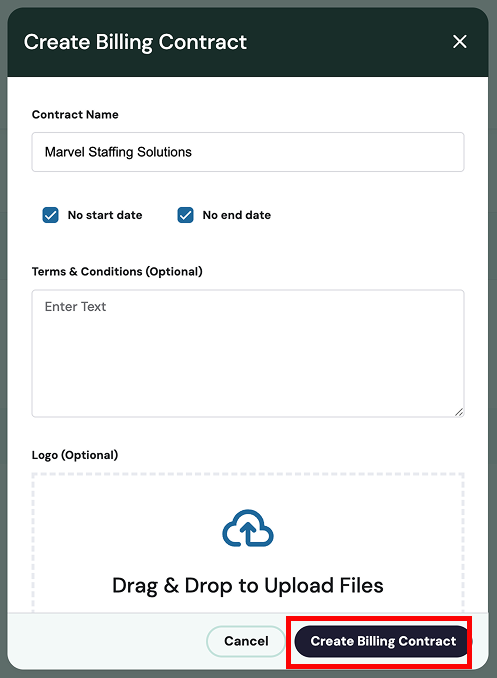
After you click the “Create Billing Contract” button, the “Create Billing Contract” pop-up will open, where you can define the contract name, contract start and end dates, terms & conditions, and logo. Once you have filled out the relevant information, click the “Create Billing Contract” button in the pop-up.