Switching Organizations
Last updated: April 21, 2026
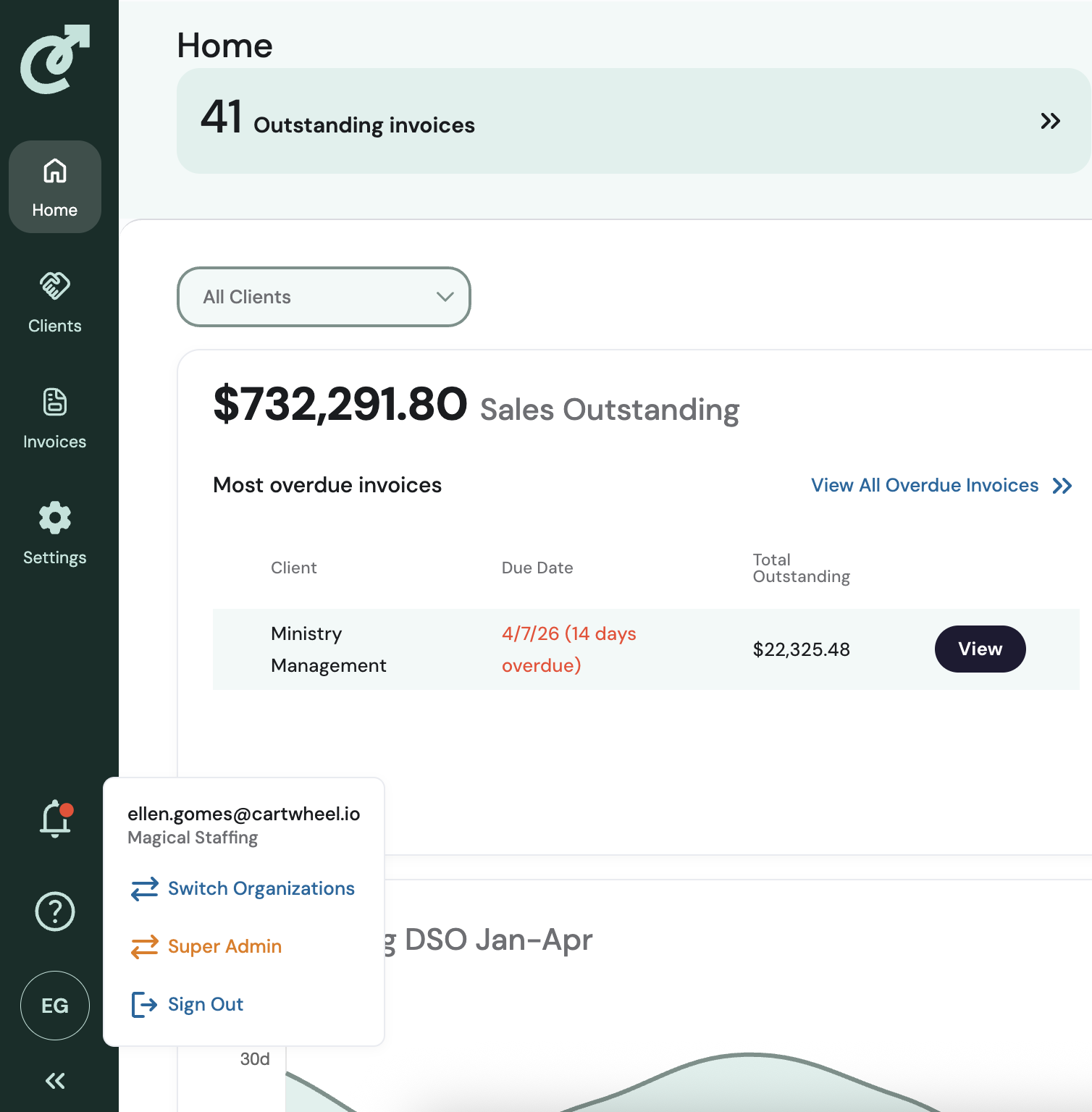
For admins managing across multiple organizations or parent/child organizations, you can navigate across the organizations by clicking on your user icon (headshot, user initials etc). You will see a menu with these options:
Switch Organizations
Sign Out
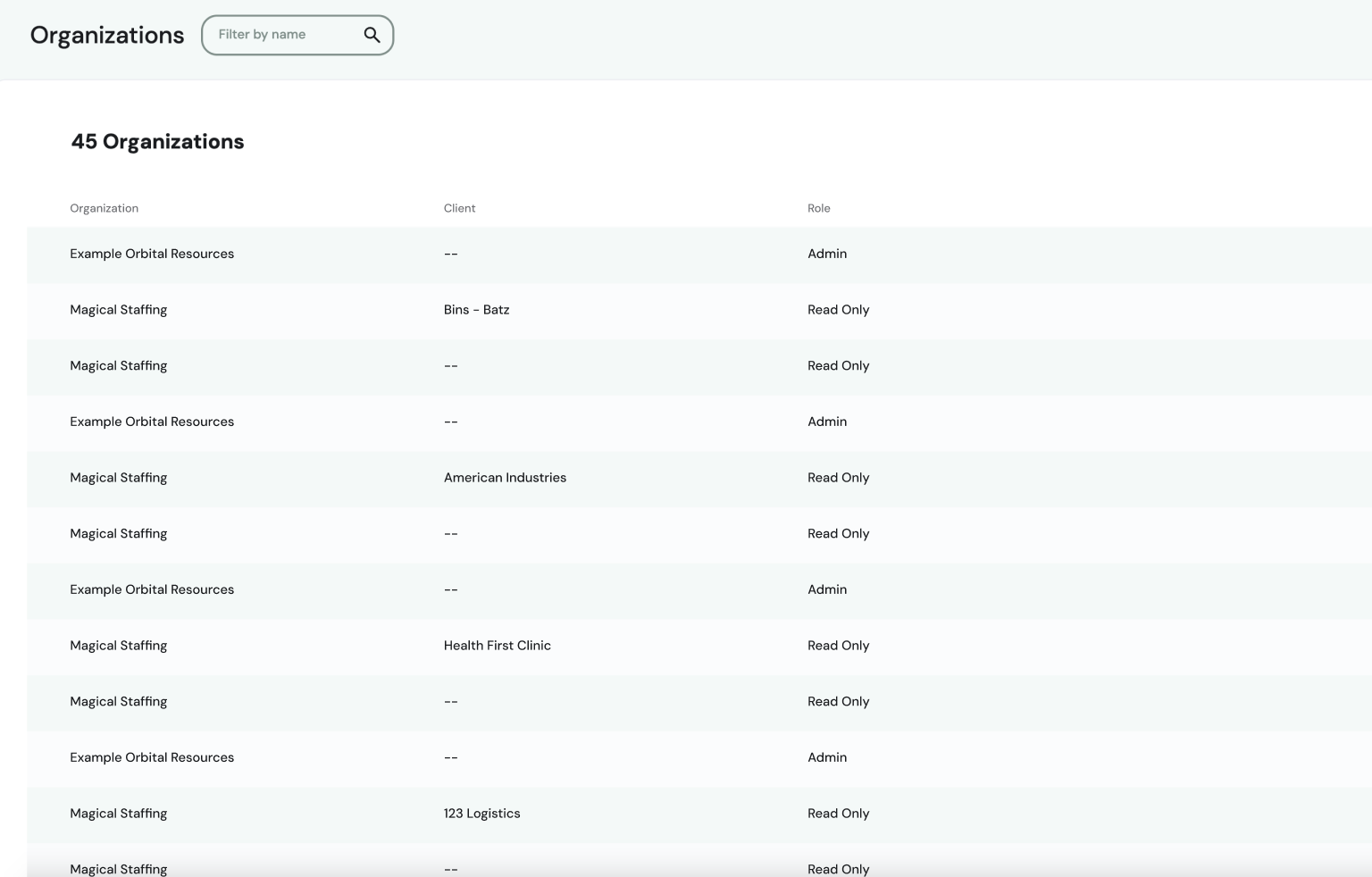
Click Switch Organizations to see a list of available options. This list is searchable by name, shows any child accounts, and indicates your role.