Billing Summary Approval Process
Last updated: April 22, 2026
Your clients will receive their billing summaries via email and can approve or reject them. To view the status of a billing summary, navigate to the billing summary detail page by opening the list of billing summaries and clicking a billing summary.
Before the billing summary has been approved or rejected, the buttons in the top-right will look as follows:
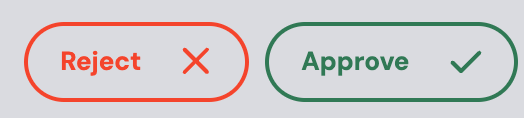
Once approved or rejected, the buttons will update to display your client’s selection.
Approved:

Rejected:
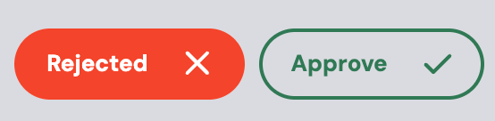
If your client does not mark the billing summary as approved or rejected, you can mark it on their behalf. To do this, you simply click on the relevant button. Once a selection is made, you can always change it by clicking the unselected button.