Reconnect an Integration
Last updated: April 22, 2026
Sometimes an issue with your connection may require attention. Depending on your integration, it can impact your automated processes. We provide a simple notice to let you know something isn’t quite right, prompting you to look and make any necessary updates.
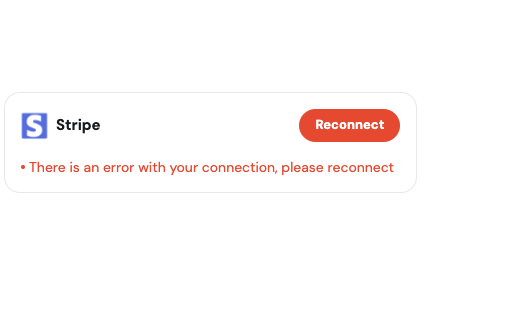
To reconnect an integration:
Follow the steps to navigate to your available Integrations.
Click the ‘Reconnect’ button inside your provider's display card (e.g., Stripe).
Depending on the provider:
A pop-up will display to input the required connection credentials.
You may be required to resubmit an authentication form
Enter all credentials and click the ‘Update’ button OR follow the given instructions
Upon completion, the status of the provider will return to displaying as ‘Connected.’