Editing Users
Last updated: April 22, 2026
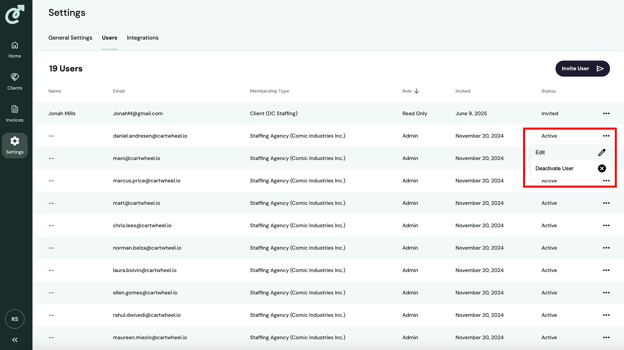
To edit a user, click the action menu on the far right of the row in the user list for the user you wish to edit and select “Edit” from the menu.
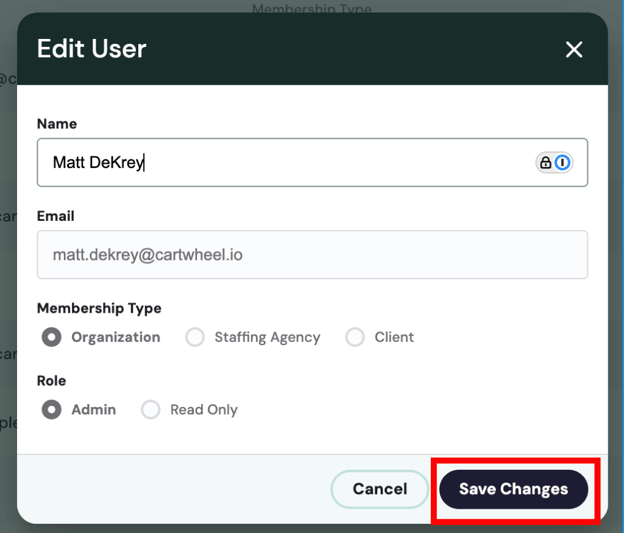
From here, you can edit the user’s name and then click “Save Changes.”
If you need to modify a user’s email address, membership type, or role, you will need to deactivate the user and invite the user again with the correct settings.