View Unconfirmed Transactions (Exceptions)
Last updated: August 17, 2026
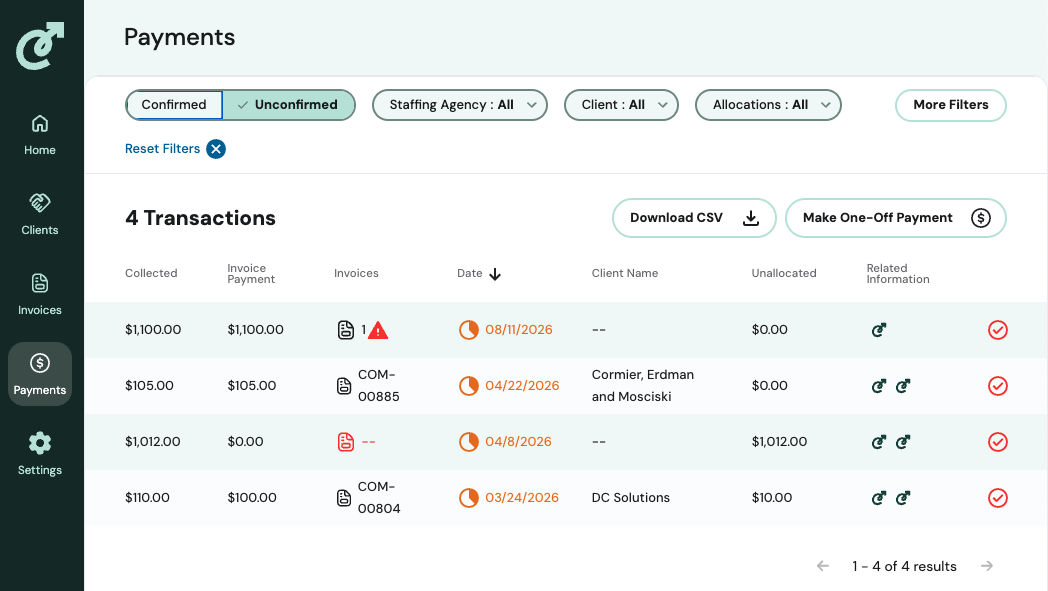
Find your organization's exception queue refer to the list of Unconfirmed transactions in the Payments tab.
Definition: A transaction becomes Unconfirmed when it can't be automatically and confidently matched to an invoice.
Teams use the list of Unconfirmed transactions to identify where their action is needed; this could include researching the correct invoice/allocation and confirming once resolved.
To view your unconfirmed transactions:
Go to the Payments tab.
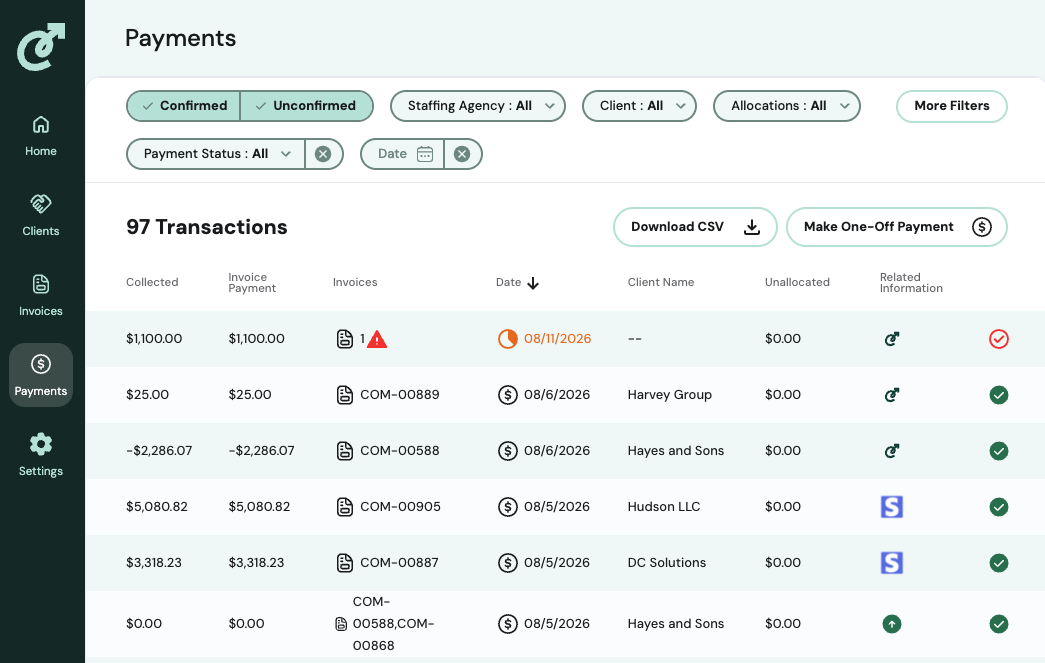
Filter or sort the list by Unconfirmed status. This is the first filter at the top of the page.
Each Unconfirmed row represents a payment still being researched — this is the equivalent of an "exception."
Click into a transaction to see why it's unconfirmed (no invoice match, remittance missing, etc.) and to begin resolving it.
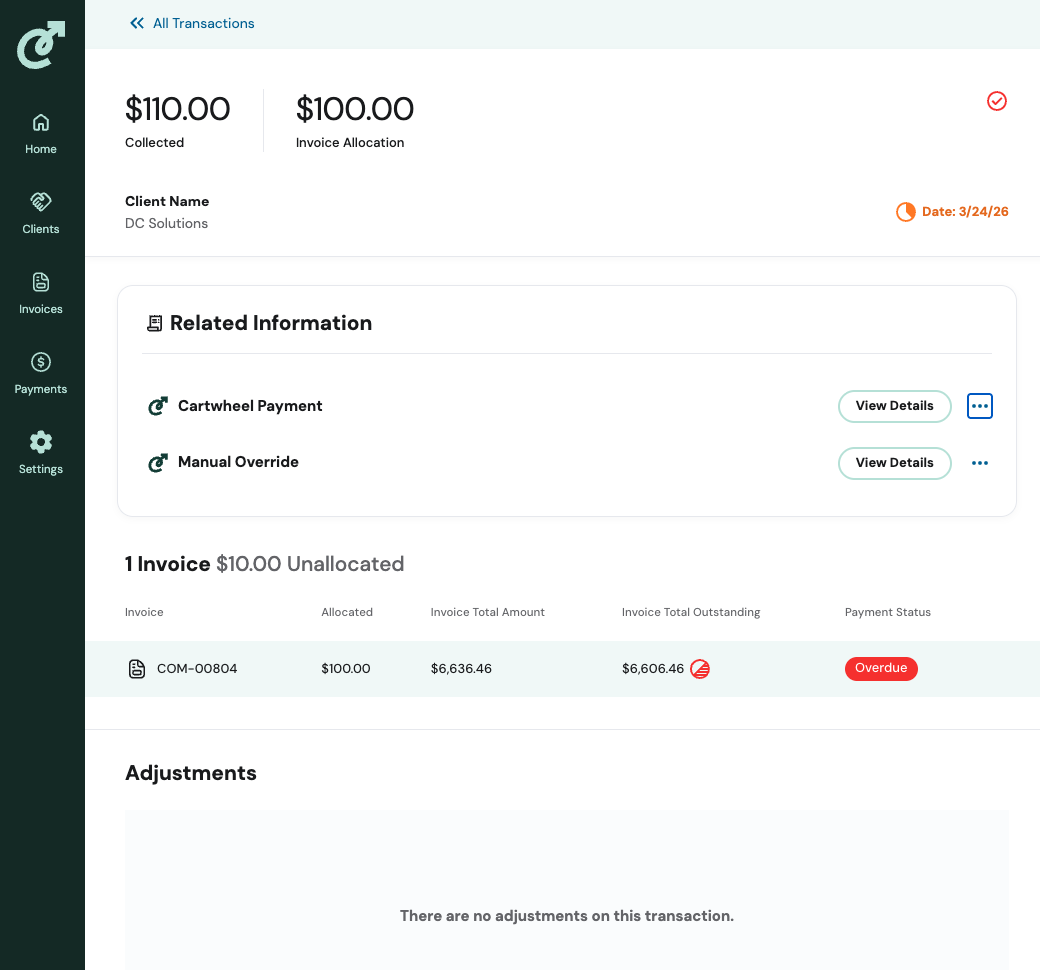
Once you resolve the discrepancy (by allocating, refunding, or otherwise closing it out), the transaction is marked Confirmed.